
Flowable
Work
-
1. Upload License File
-
2. Explore Example Apps
-
3. Get Mobile App
-
4. Tutorial Guide
-
5. Learn More
-
6. Start Building
Upload Your License File
Upload the license file you were emailed as part of the trial registration. If you haven't registered, apply now.
Click the button below to open Flowable Design, sign in with user admin and password test then follow the upload prompt.

Explore Examples Apps
Select and click on an app below to download and use in your Trial
Manage the full loan process lifecycle, in a tailored Flowable-built application.
Download app
See how easy it is to be event-driven through frameworks like Kafka, Confluent and AWS SQS.
Download app
Transparently work with custom data objects and external data sources, such as databases.
Download app
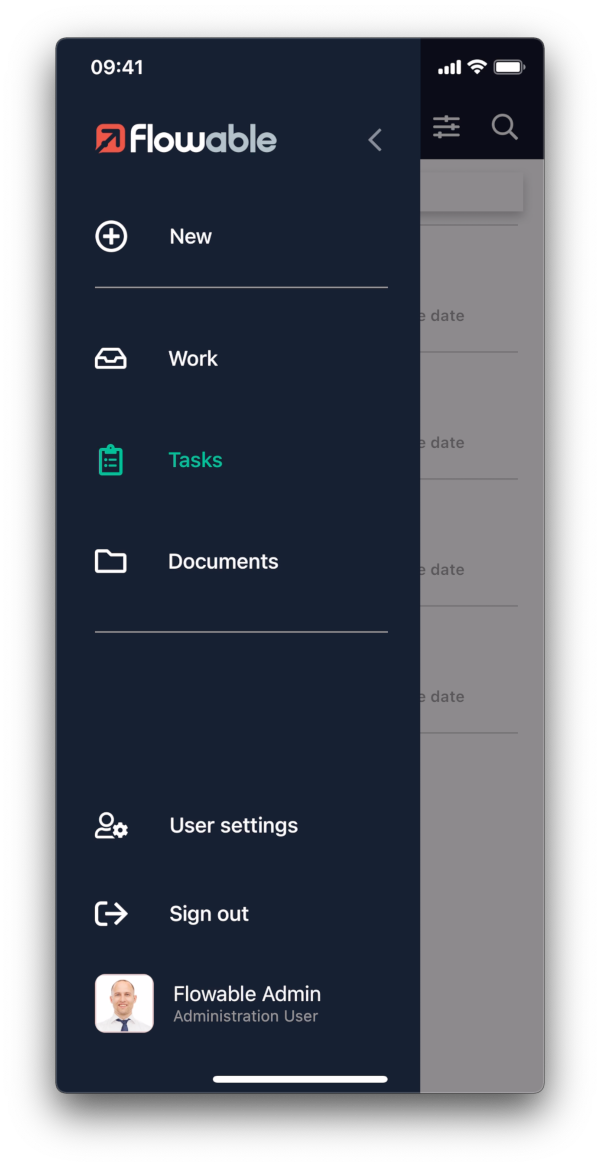
Get the Mobile App
Download and access your apps from everywhere, at any time




Follow the Tutorial Guide
Get the Flowable journey started by clicking the link below

Learn More
Learn more about building your own applications

Start Building
Click to open the different Flowable tools.
The default sign in for administrator is admin with password test.
NOT FOR PRODUCTION USE